

.png)



.png)
Article
AI Chat vs Live Chat for Tourism Operators: Which Is Right for Your Business?
A guide comparing AI chat and live chat for tour operators — and why most are choosing both.



The Yonder AI Voice Agent is an automated phone assistant that can answer incoming calls, understand caller intent, check booking availability, and connect guests with your business – all while working alongside your existing phone system.
Whether it’s 3 AM or 3 PM, your AI Voice Agent answers every incoming call instantly; no hold music, no unanswered voicemails. This means more bookings, fewer lost opportunities, and happier customers.
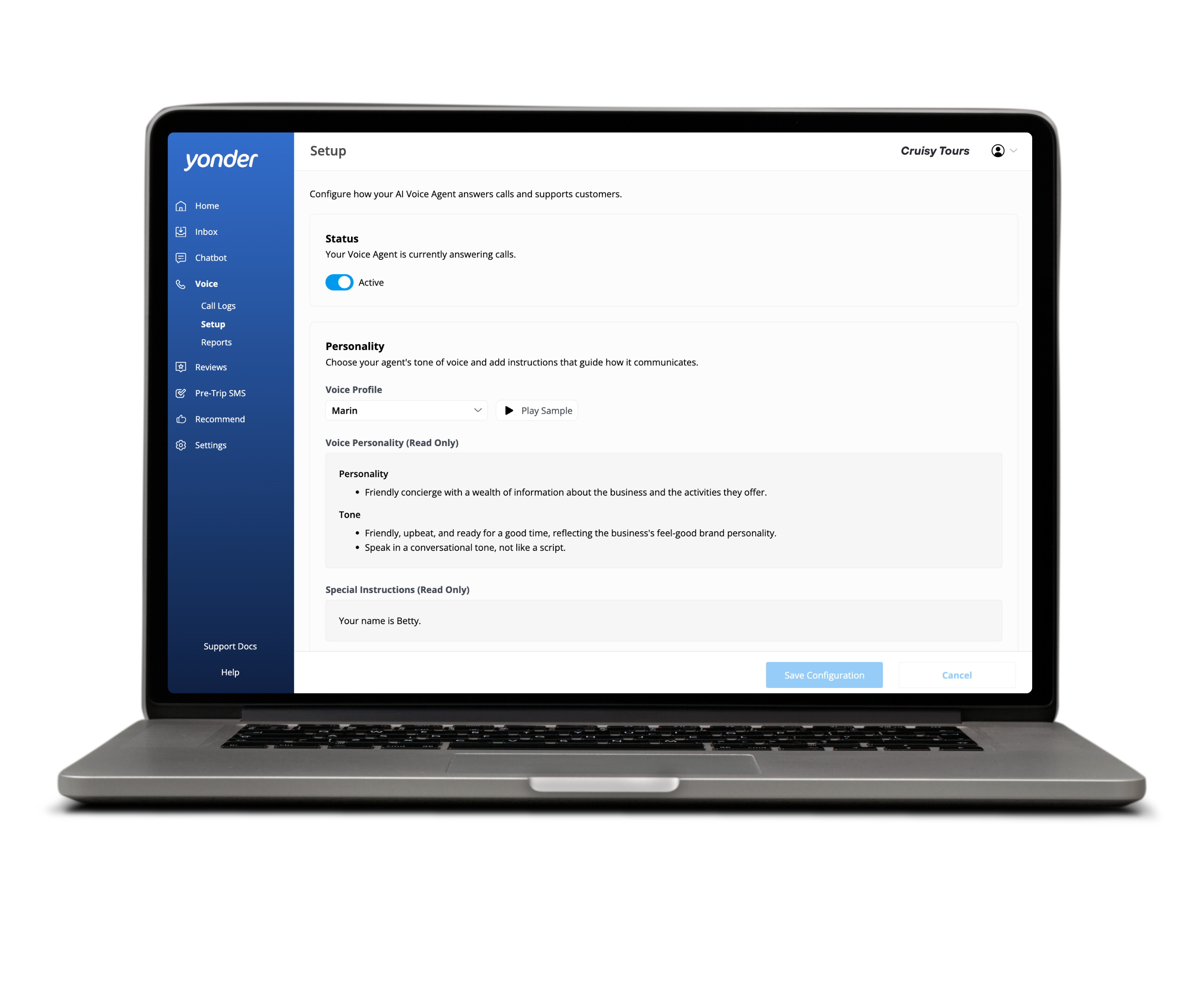
To use it effectively, there are a few essential setup requirements you must meet before activation.
Currently, the AI Voice Agent is only available for customers with a US phone number (+1 country code).
If your business operates outside the United States but you’re interested in using the Voice Agent, you can contact the Yonder team to join the waitlist for international support.
Your phone provider and phone setup must support certain features for the Voice Agent to function smoothly.
These requirements ensure that the Voice Agent can integrate with your existing phone service without forcing you to change providers or disrupt your current operations.
To give callers real-time availability information and help with bookings, your reservation system must first be connected to Yonder.
Supported booking system integrations allow the Voice Agent to:
If your booking system isn’t connected yet, refer to the Yonder integrations guides for specific steps.
Before turning on the AI Voice Agent, verify the following with your phone provider or account representative:
Once all requirements are met, the Voice Agent will be able to:
✔ Answer incoming calls instantly
✔ Understand what callers want
✔ Transfer complex or urgent enquiries to your team
✔ Operate during after-hours
✔ Integrate with your booking system for real-time information
You can also connect Google Analytics 4 (GA4) within Yonder to track:
Setting up GA4 isn’t required to use the Voice Agent, but it’s recommended if you want full insight into how it’s performing.
If you're ready to get started, or you just have questions, reach out to the Yonder team at support@yonderhq.com



.png)


